Progress
Year Progress Calculator
See how much of the year has passed and how many days are left, as a live percentage.
See today’s progress or calculate the fraction of any local day that has elapsed.
Worked example
January 1, 2026 at 12:00
50% of the day elapsedThe period runs between consecutive local midnights. Actual elapsed time is used, so a daylight-saving day need not contain exactly 24 hours.
Inputs stay in your browser. You can use this tool without joining the waitlist or creating an account.
From a calculation to a daily glance
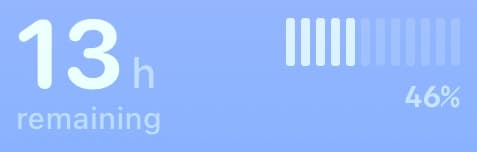
Add a Day Remaining, Day Gauge, or Day Dots Lock Screen widget from the app to keep daily progress visible.
Web results do not automatically sync to the app. Setup is manual; calendar events appear through your enabled calendars.
Progress
See how much of the year has passed and how many days are left, as a live percentage.
Progress
See how much of a month has elapsed at a chosen local date and time.
Progress
Check the percentage of a Monday-to-Sunday week that has passed.
Date math
Count the exact number of days, weeks, and months between any two dates.
Date math
Add or subtract days, weeks, and months from any date to find a future or past date.
Date math
Find the ISO week number for today or any date, and see which dates a week covers.