Your calendar,always at a glance.

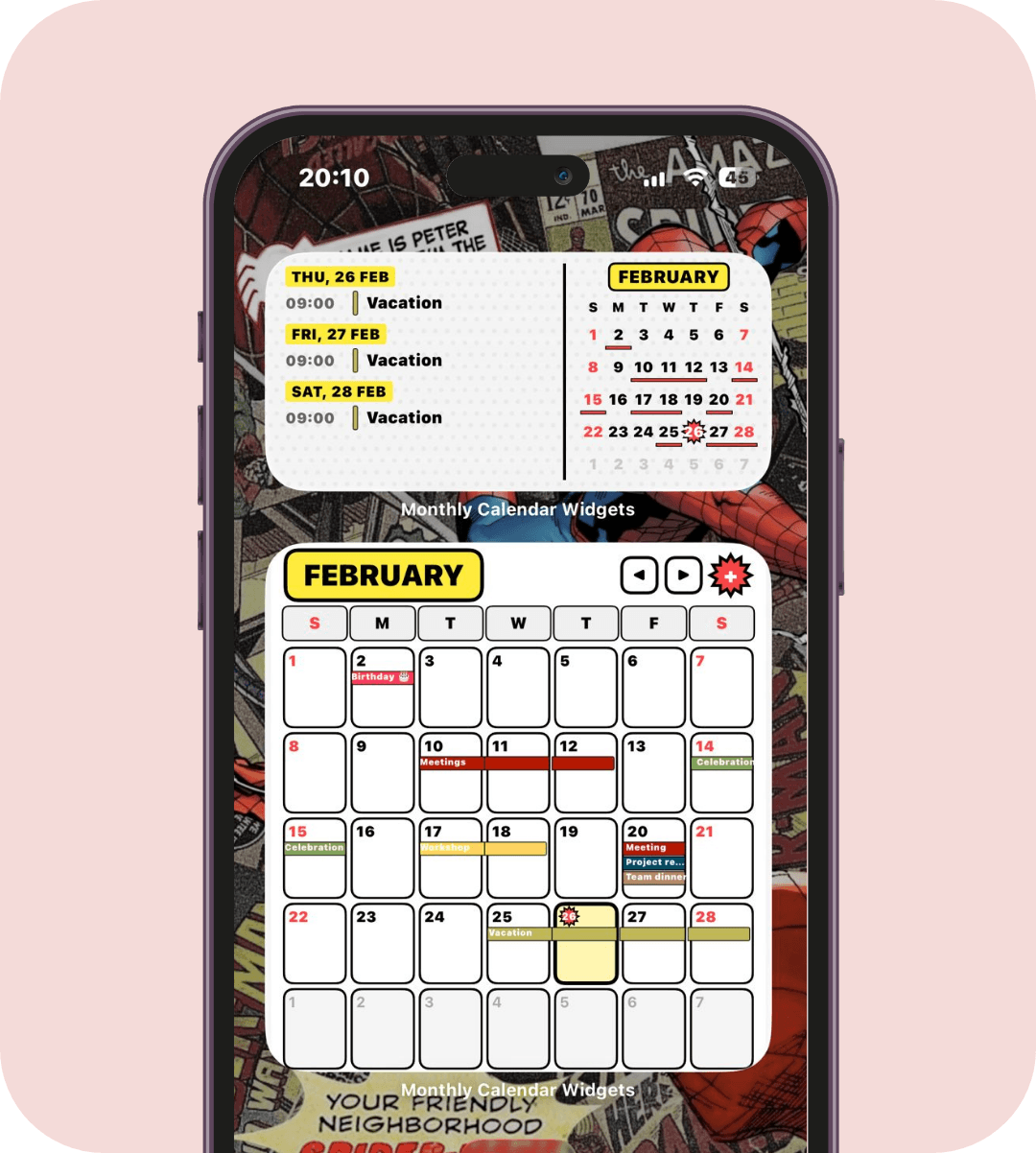
The full month calendar widget for iPhone - like Google Calendar on Android. Add it to your Home Screen or Lock Screen, sync iOS and Google Calendar, and see your whole month at a glance.

iOS Calendar

Google Calendar

iPhone Home Screen showing a full month calendar widget from Monthly Calendar Widgets

Your calendar, made better

See your schedule at a glance, without opening an app.
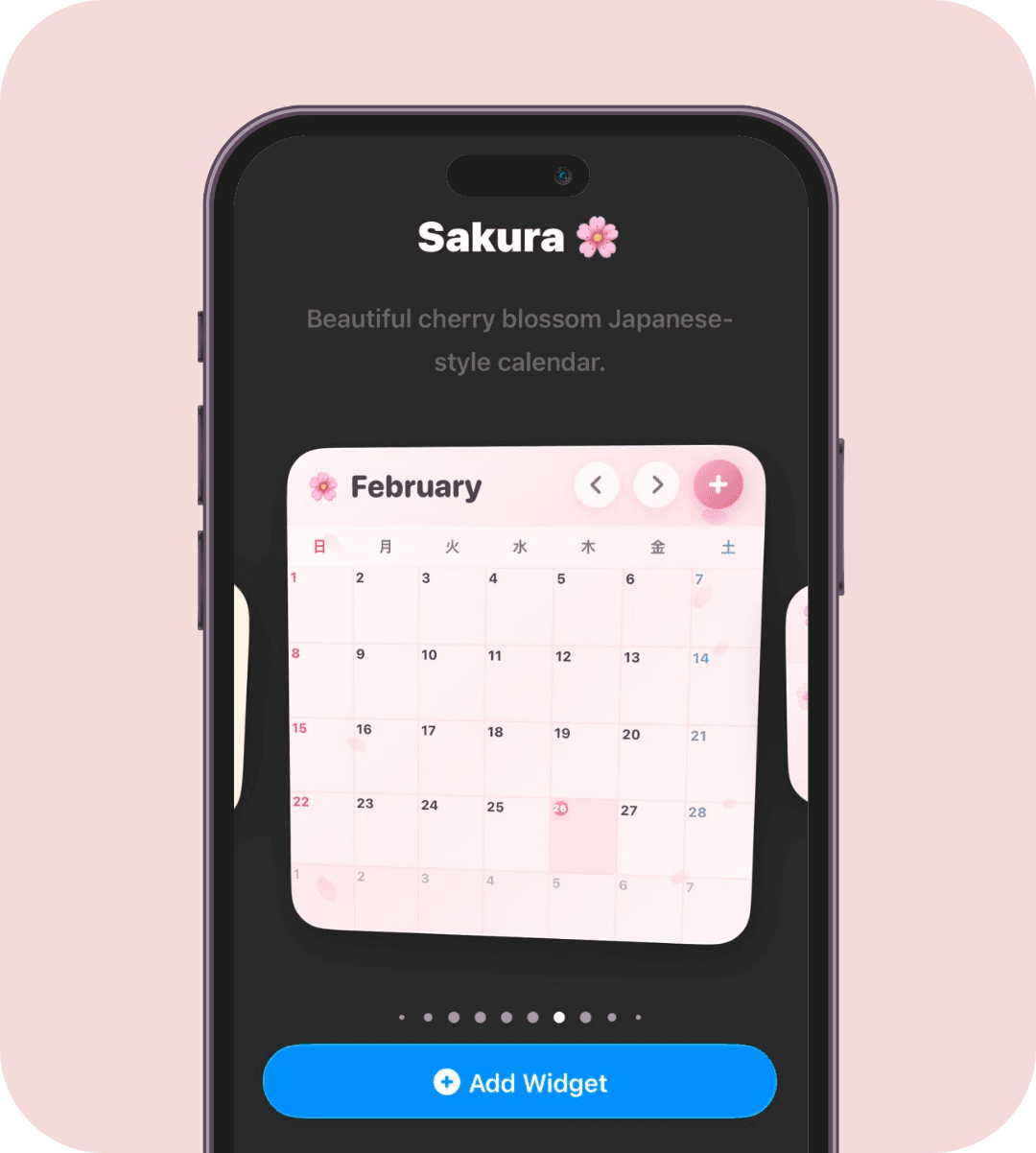
Calendar widget design collection

60+ widget designs

Monthly and weekly calendar widgets

Month + week at a glance

Custom widget builder

Custom widget builder

Simple, but powerful

From calendar sync to Lock Screen utilities - Monthly Calendar Widgets is built to be useful the moment you add your first widget.
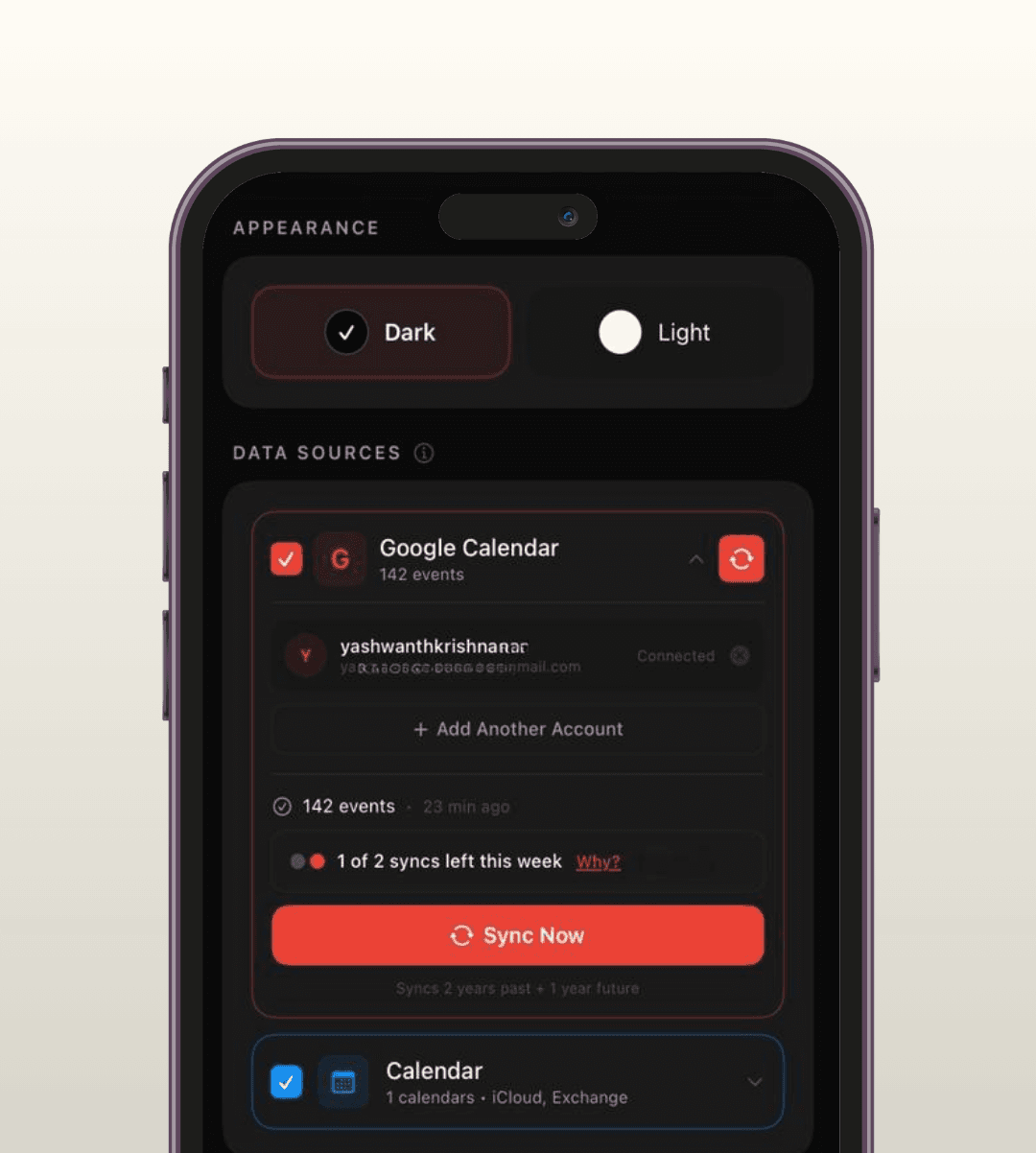
iOS + Google sync

iOS + Google sync

Connect in seconds with optional direct Google OAuth sync
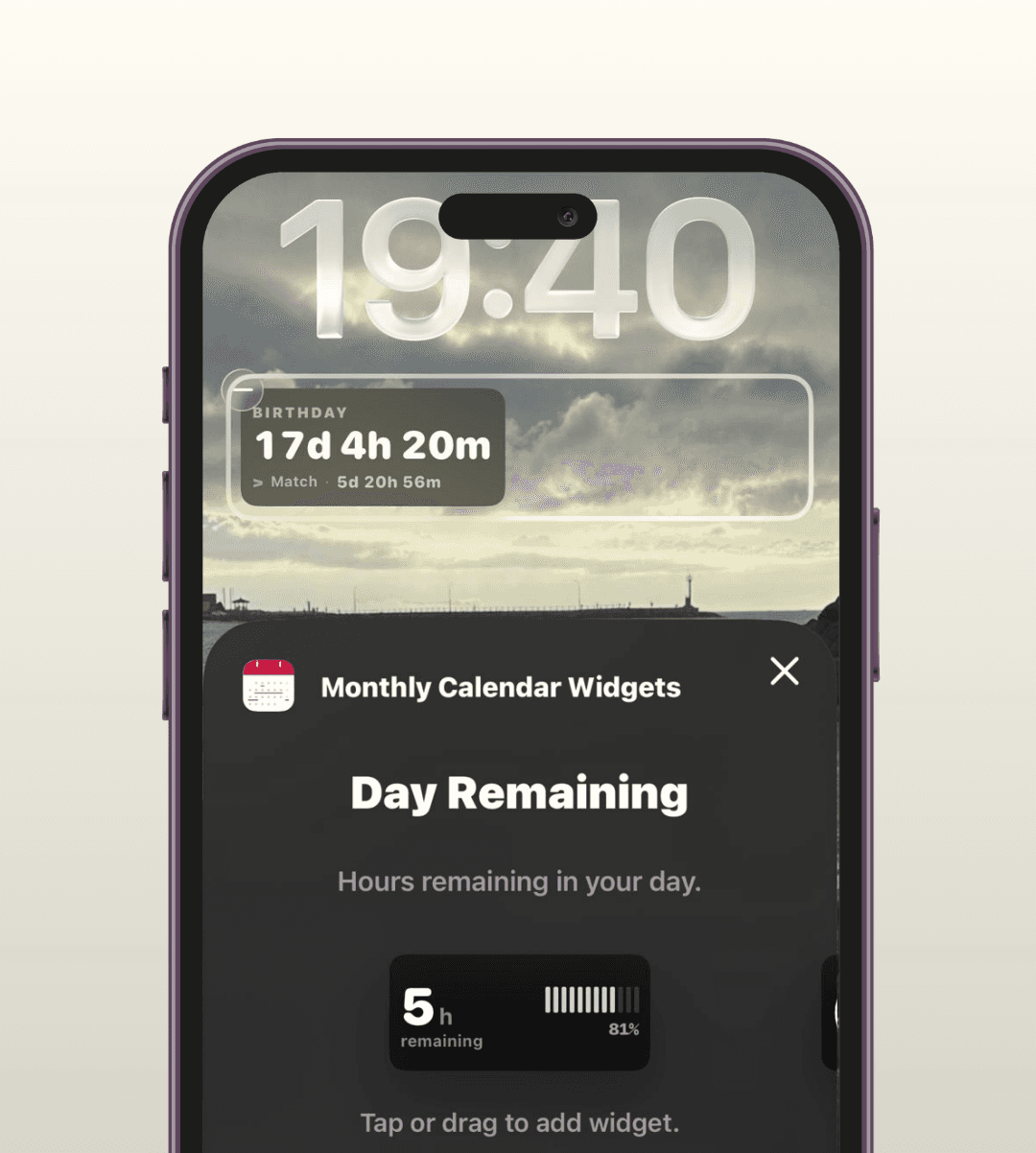
Lock Screen widgets

Lock Screen widgets

Progress, timers, and more - right on your Lock Screen
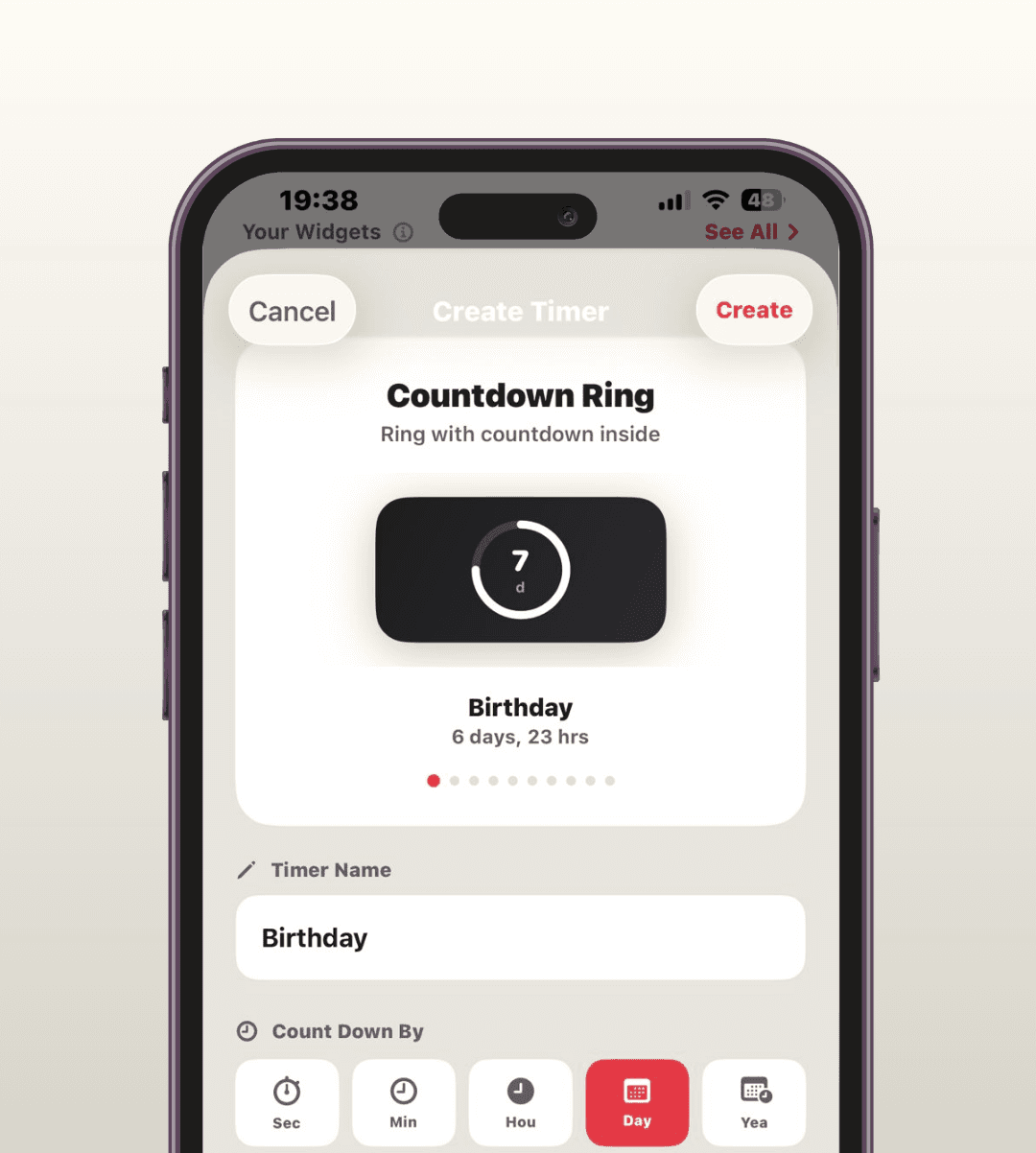
Countdown timers

Countdown timers

Clean countdown widgets, including dual-timer styles
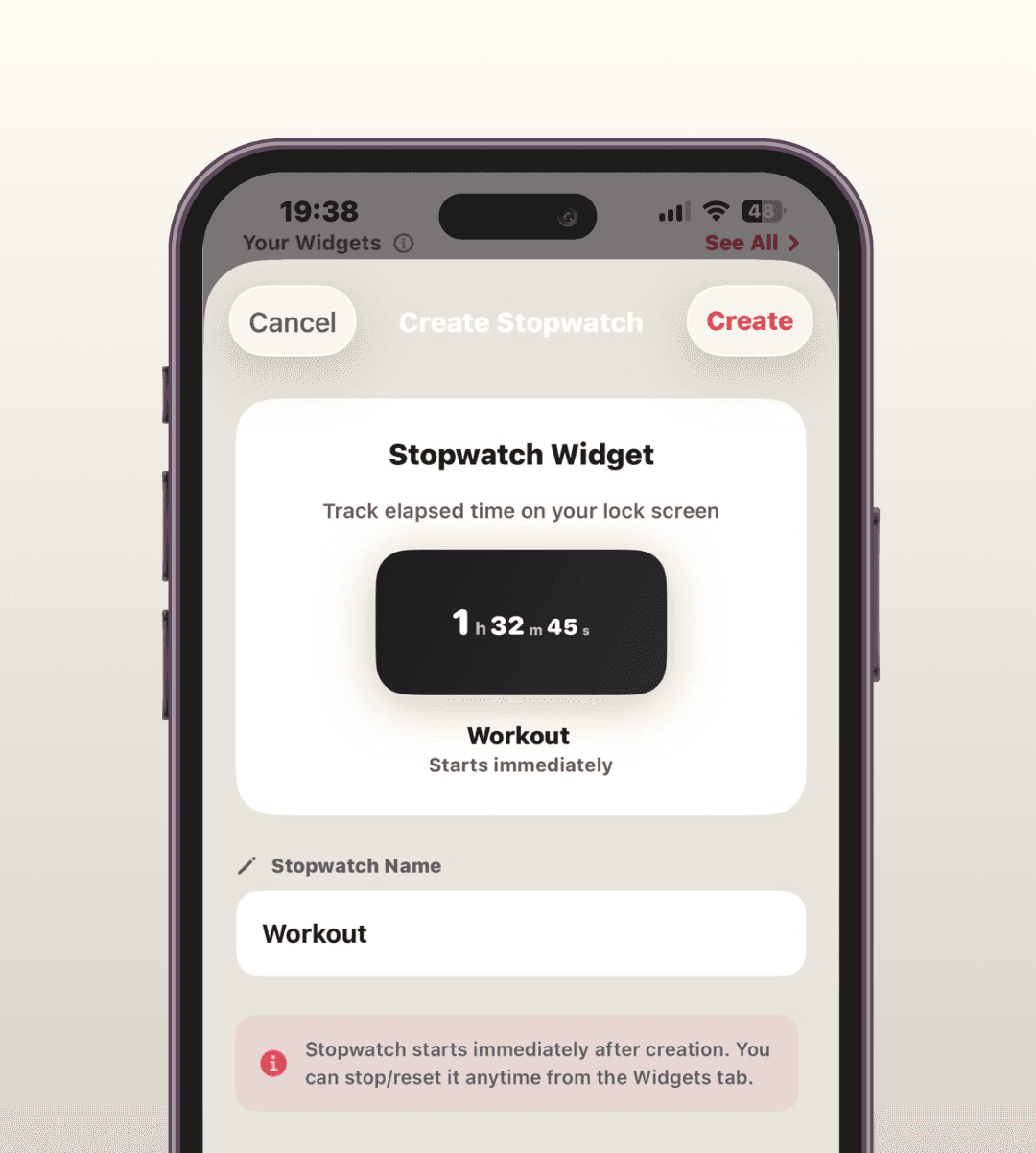
Stopwatches

Stopwatches

Single + dual stopwatch widgets, made for quick glances
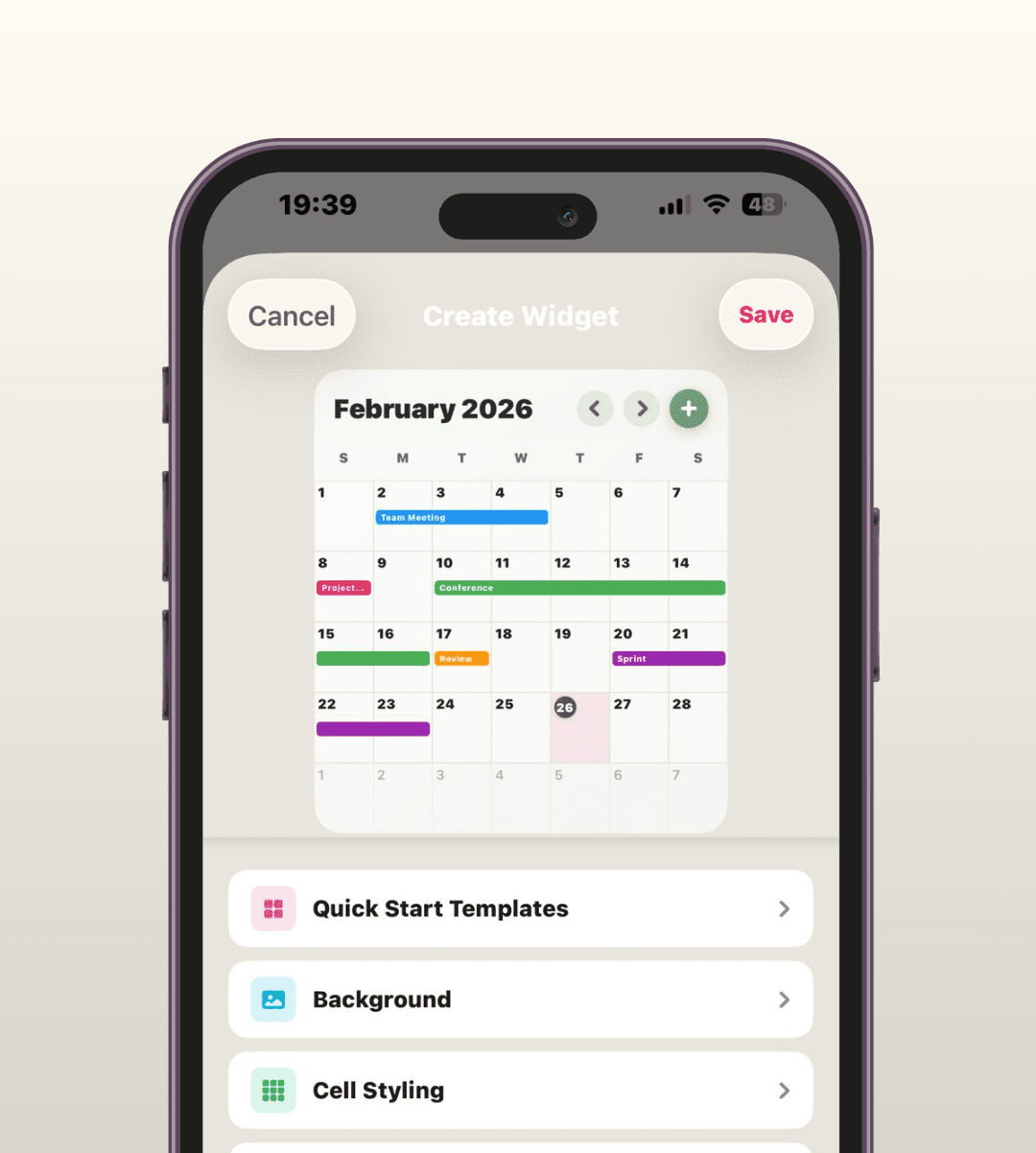
Customizable widgets

Customizable widgets

Adjust colors, background, and style to match your Home Screen.
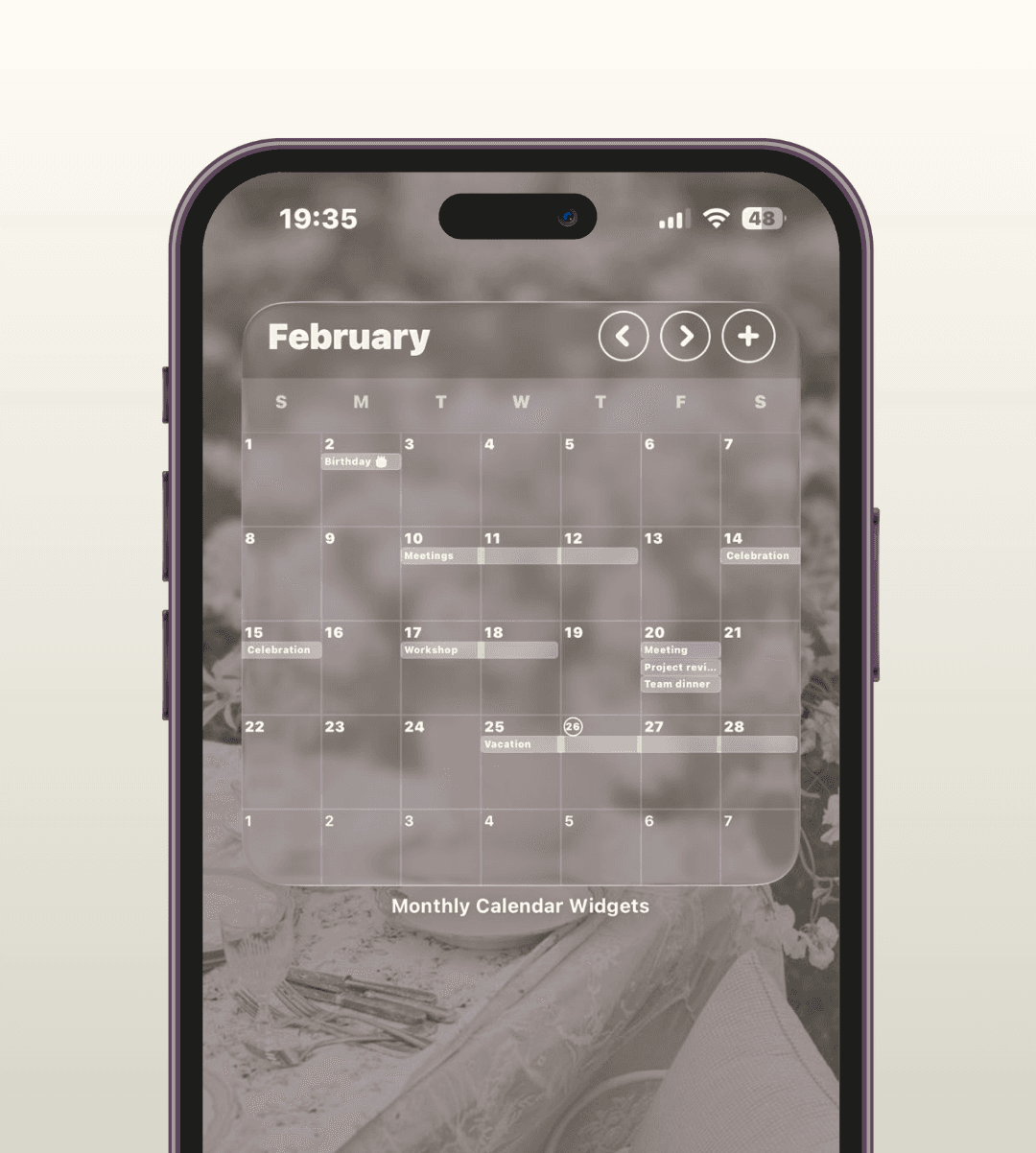
iOS 26 Liquid Glass

iOS 26 Liquid Glass

A Liquid Glass theme optimized for tinted mode

And plenty more widget styles to explore

Explore widget themes

Pricing

Every new account gets a 3-day free trial with full Pro access. Choose weekly flexibility or unlock Pro permanently.

Plan
Weekly
Lifetime
Price
$1.99 / week
$19.99 once
Billing
Auto-renews weekly
No recurring charges
Access
Active until billing period ends
Permanent Pro access
Restore
Cancel in Apple ID settings
Restores on reinstall

Free trial details

Simple trial terms, managed through Apple ID settings.

Download
  1. 1
    Join the list

    Leave your email now and get launch access as soon as the app is ready.

  2. 2
    Pick a plan

    Choose weekly or lifetime Pro from the in-app paywall after launch.

  3. 3
    Stay in control

    Cancel before the trial ends to avoid billing, or keep access at $1.99/week.

Calendar widget questions, answered

Everything about getting a full month calendar widget on your iPhone.

Is there a calendar widget for iPhone like the Google Calendar month widget on Android?
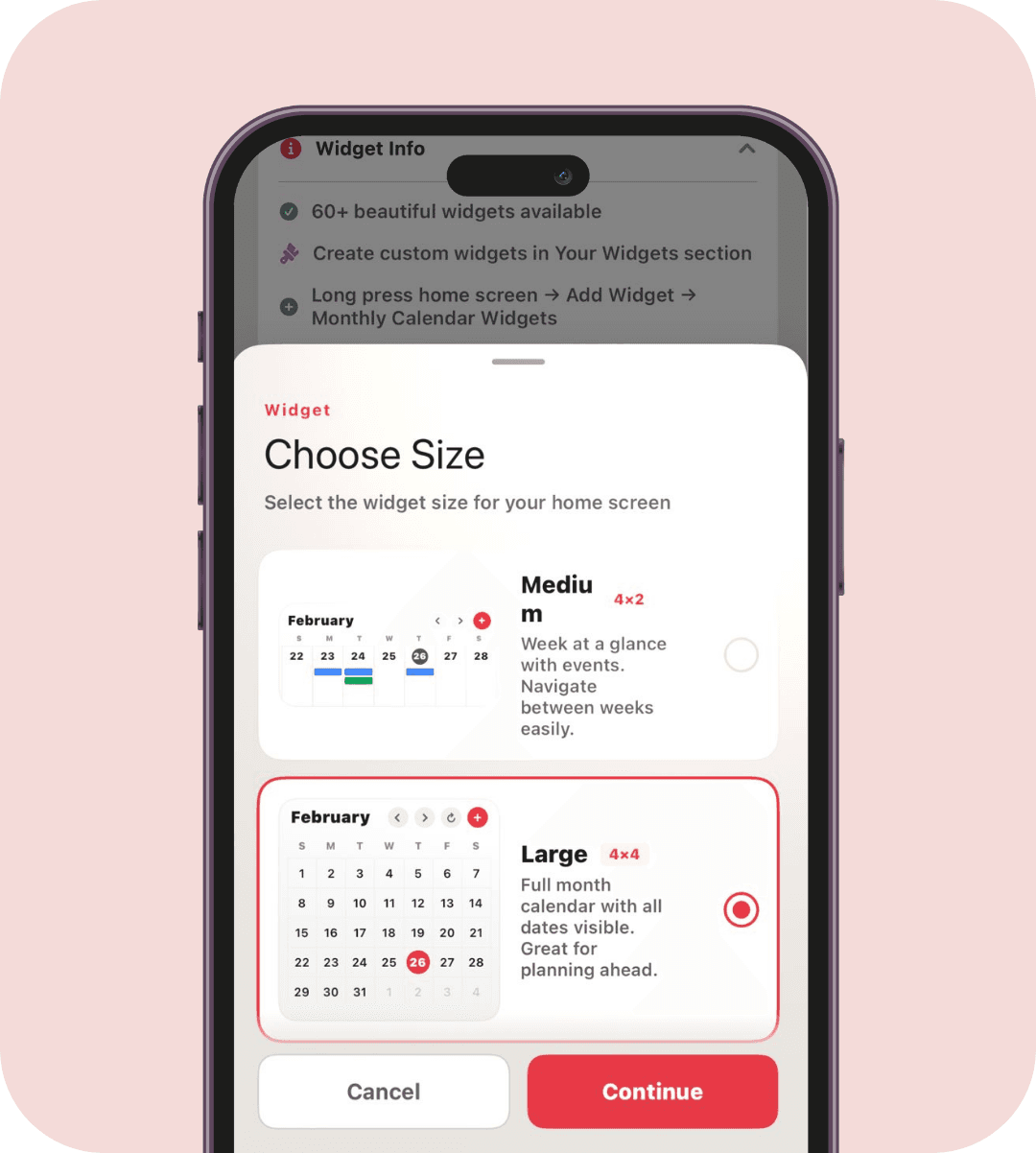
Yes. Monthly Calendar Widgets brings the full-month grid that Android users get from Google Calendar to the iPhone Home Screen. The Large widget shows your whole month with events on each day, so you can plan at a glance without opening an app.
How do I add a full month calendar widget to my iPhone Home Screen?
Install the app and allow calendar access, then touch and hold your Home Screen, tap the plus button, search for Monthly Calendar Widgets, and choose the Large size for the full month grid. Small and Medium sizes show today, the week, or an event list, and every widget updates automatically.
Can I put a Google Calendar widget on my iPhone?
Yes. The app syncs with Google Calendar through secure, optional OAuth sign-in - no password is ever stored - and also reads your iOS Calendar (iCloud and Exchange). Events from both, including Google Calendar event colors, appear in your widgets and update in real time.
Does it work on the iPhone Lock Screen too?
Yes. Alongside the Home Screen month and week widgets, Monthly Calendar Widgets adds inline, circular, and rectangular Lock Screen widgets - day progress, year progress, countdown timers, dual timers, and stopwatches - so your most-used glances sit under the clock without unlocking. Lock Screen widgets are a Pro feature.
Which iPhones and iOS versions are supported?
Monthly Calendar Widgets is built for iOS 26 and later, so it runs on every iPhone that supports the latest iOS. All widget sizes and Lock Screen widgets are available, including the Liquid Glass theme tuned for iOS 26 tinted mode.
Can I customize how the calendar widget looks?
Yes. Pick from 60+ designs across themes like Clean White, Dark, Monochrome, Minimalist, Paper, Sakura, Ukiyo-e, Manga, and Liquid Glass, or build your own Custom widget by setting the colors, background, and layout. The app is free to download with a 3-day Pro trial that unlocks every design.