Countdowns & timers
Birthday Countdown
Find the next birthday automatically, including a choice for February 29 birthdays in common years.
Count down the days until a birthday, holiday, deadline, or any future event.
Worked example
Target October 20, reference October 14, 2026
6 calendar days remainingToday is day zero. Tomorrow is one calendar day away, regardless of whether a local daylight-saving change makes the elapsed interval 23 or 25 hours. Past targets show days ago.
Inputs stay in your browser. You can use this tool without joining the waitlist or creating an account.
From a calculation to a daily glance
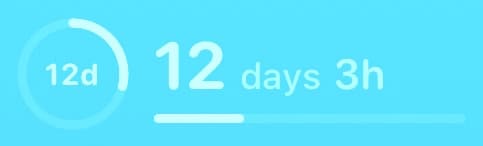
Create a named countdown in the app, assign it to Countdown 1 or 2, and add the corresponding Lock Screen widget.
Web results do not automatically sync to the app. Setup is manual; calendar events appear through your enabled calendars.
Countdowns & timers
Find the next birthday automatically, including a choice for February 29 birthdays in common years.
Countdowns & timers
Time an activity with start, pause, reset, and individual lap splits.
Countdowns & timers
Run a countdown for a custom duration, with pause, resume, reset, and an optional completion sound.
Countdowns & timers
Alternate adjustable focus sessions and short breaks, with a longer break after four focus rounds.
Countdowns & timers
Compare time remaining to two named events side by side.
Date math
Count the exact number of days, weeks, and months between any two dates.